Your Ads Are Already Inside Google's AI Answers
If you run Google Ads, your ads may already be showing inside Google's AI answers. You didn't have to turn anything on, and there's no separate switch to turn it off.
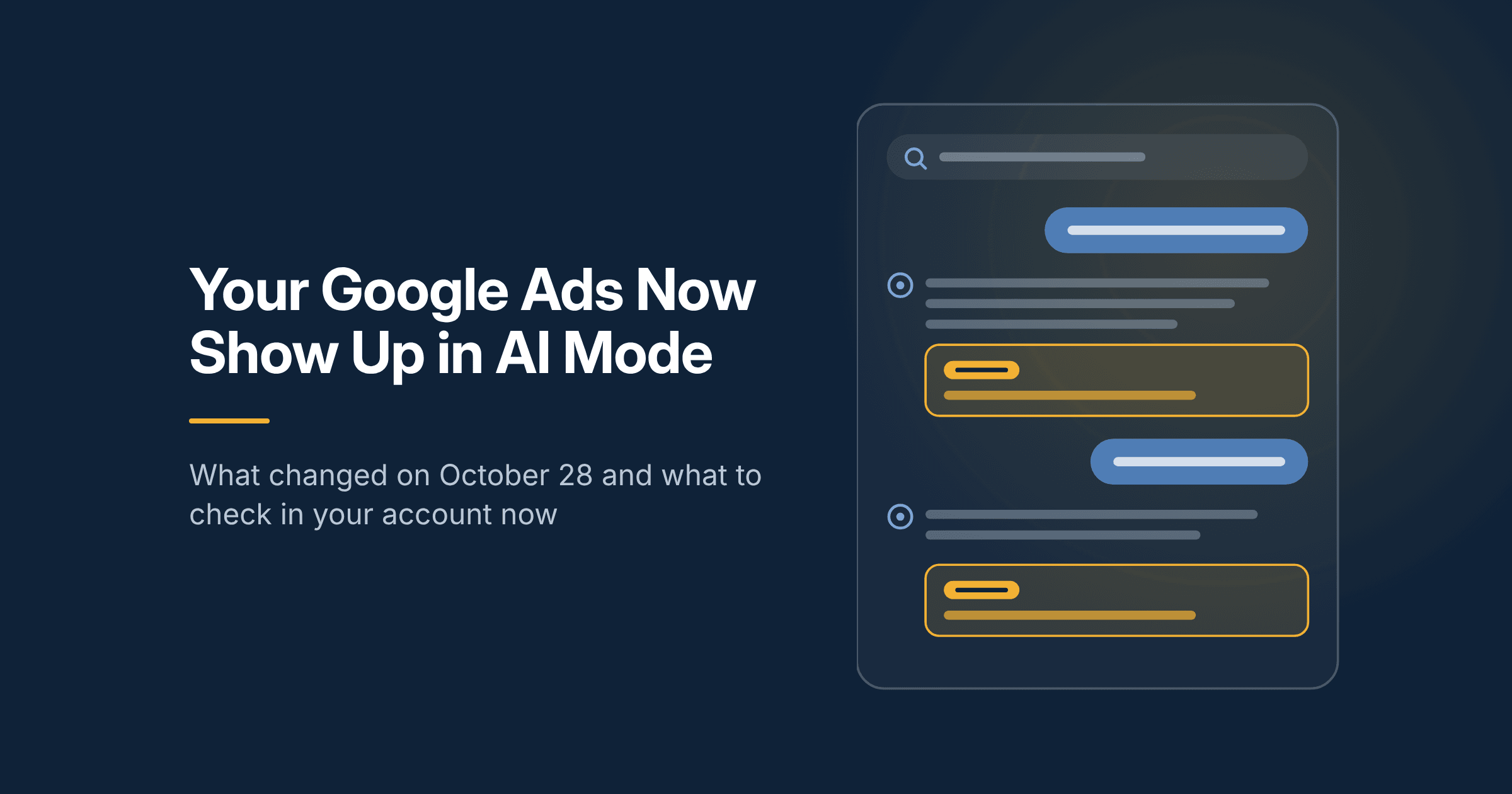
On October 28, 2026, Google said it is bringing ads in AI Mode to 10 more countries and launching multiturn ads in the US. That means your ad can now show up on a follow-up question, several turns into someone's conversation with Google.
This changes where part of your budget goes and how much you can see about it. Here's what changed, how your campaigns end up there, and what I'd check in your account this month.
What Google Announced
Google first put ads in AI Mode in the US in 2025. The October 28 announcement takes it further in two ways.
- More countries. Ads in AI Mode are expanding to Australia, Canada, India, Kenya, Malaysia, New Zealand, Nigeria, Pakistan, the Philippines and Singapore. Google plans to add Brazil, Mexico and the UK before the end of the year.
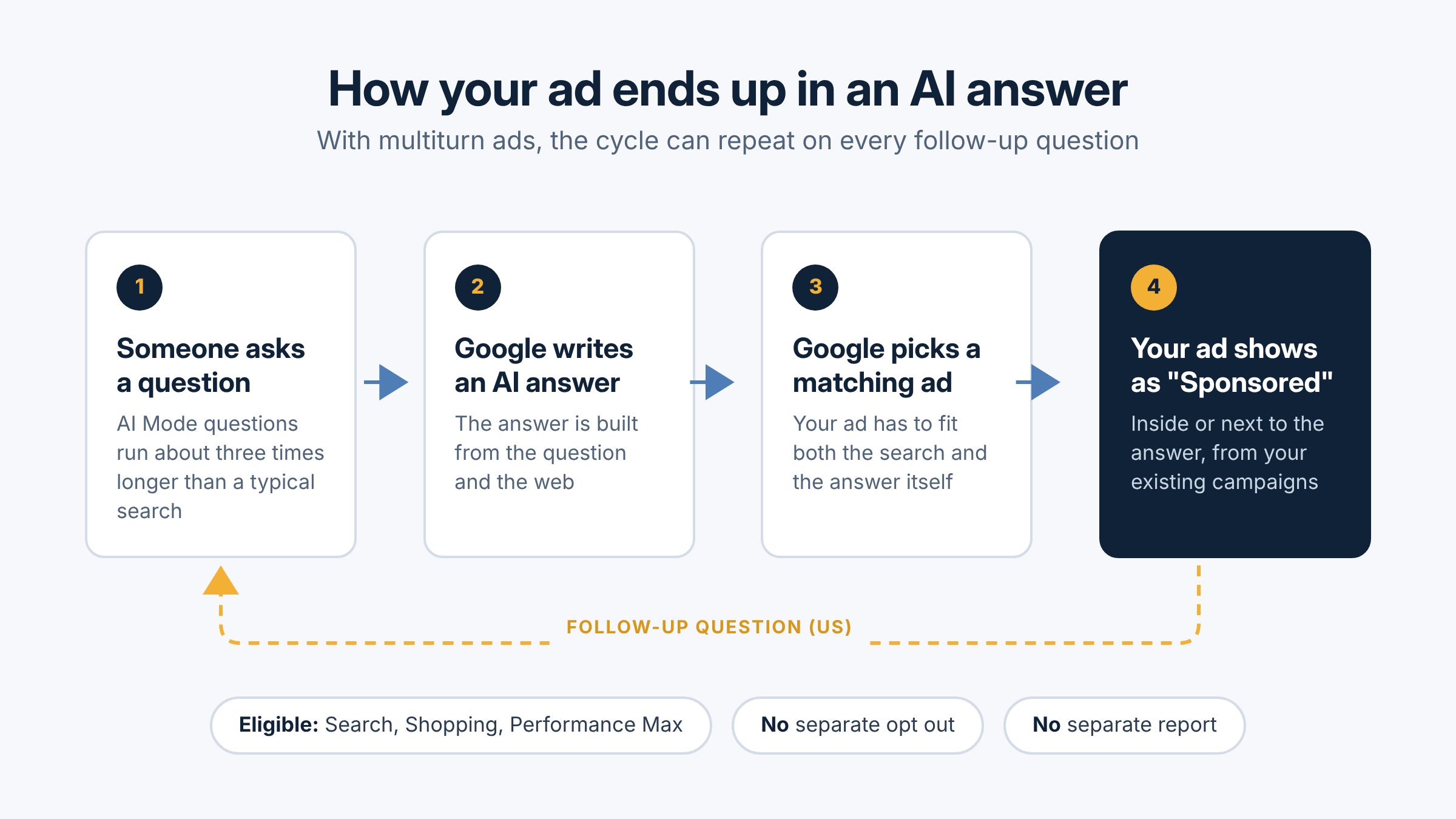
- Ads on follow-up questions. Multiturn ads launched in the US. When someone asks a follow-up question in AI Mode, an ad can show on that answer too. Google labels these ads "Sponsored."
Google also says AI Mode questions are about three times longer than a typical search. That matters for your account. A long, conversational question looks nothing like the short keywords most accounts were built around.
If you've read my post on Google moving Search campaigns to AI Max, this is the same direction. Google wants to match your ads to intent, not to the exact words you bid on.
How Your Campaigns Get There
There's no new campaign type and no separate budget. Your existing campaigns are already eligible. According to Google's help page on ads and AI Overviews:
- Text and Shopping ads from Search, Shopping and Performance Max campaigns can show inside AI Overviews.
- You can't target these placements directly, and you can't opt out of them.
- An ad inside an AI answer has to match both the search and the AI answer itself.
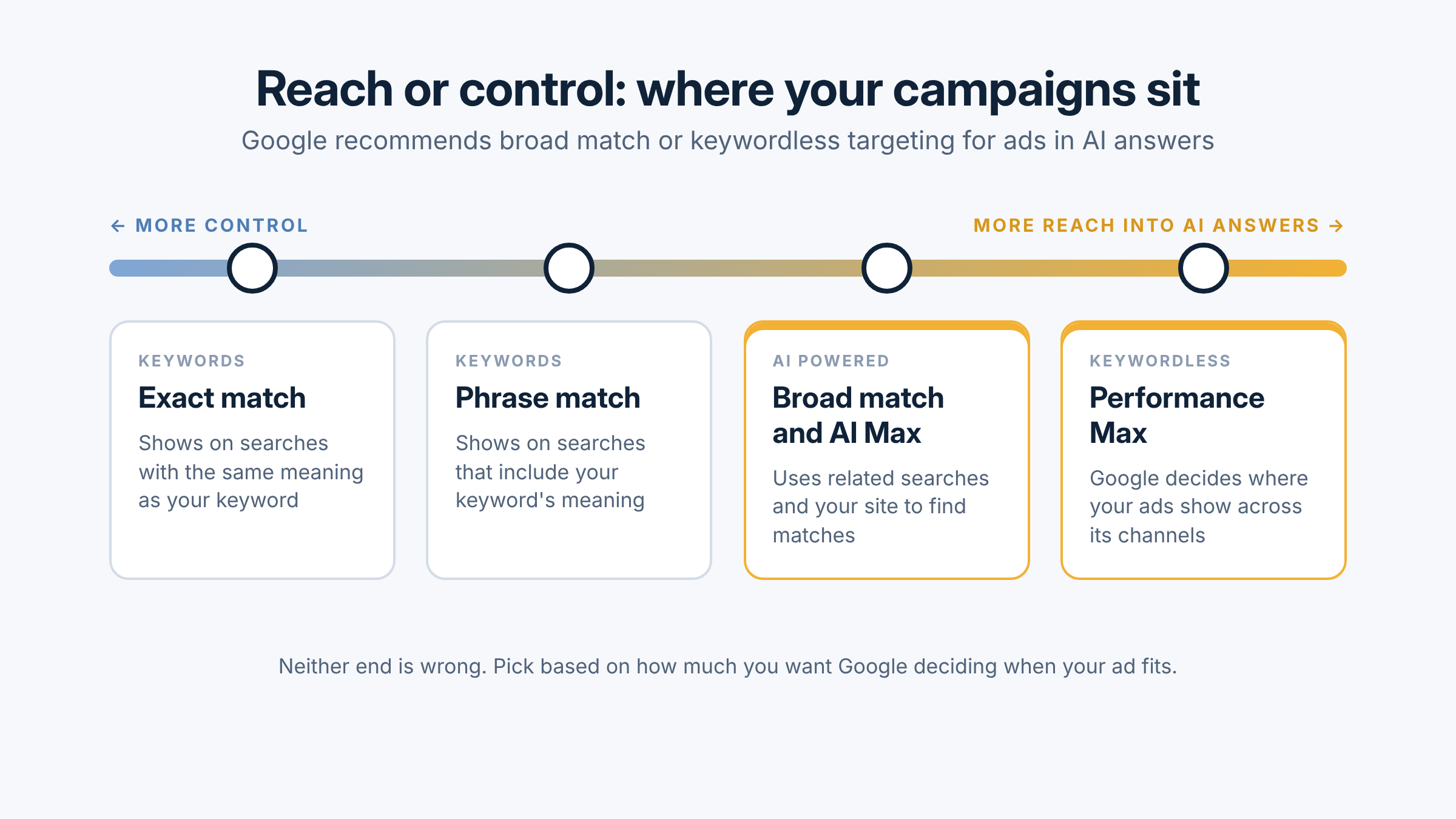
- Google recommends broad match or keywordless targeting (AI Max, Performance Max) paired with Smart Bidding.
- Sensitive categories such as finance, healthcare, alcohol, gambling and politics are excluded.
In plain terms, Google decides when your ad fits the conversation. If your account runs mostly on exact and phrase match, expect less exposure here than an account built on broad match, AI Max or Performance Max. Neither is wrong. It depends on whether you want reach or control, which is the same tradeoff I covered in choosing where your search budget goes.
What It Means for Your Reporting and Budget
This is the part I'd pay the most attention to. Google's help page says it doesn't currently offer segmented reporting for ads that show inside AI Overviews. Those ads are reported as top ads, blended in with everything else.
So you can spend money in AI answers and not see that line on its own. A few things follow from that:
- Your averages can move without a clear reason. Cost per click, click through rate and conversion rate may shift as more of your traffic comes from conversational searches.
- Your search terms report matters more. It's the best view you have into the longer, question style searches that now trigger your ads.
- Clicks alone won't tell you if it's working. A click from an AI answer might come from someone further along in their research, or from someone who just wanted a quick answer.
That last point is why I push clients to judge Google Ads by revenue, not leads or clicks. If your CRM can't tie a closed deal back to a campaign, now is a good time to fix that. I wrote more about it in measuring marketing by revenue.
What I'd Check in Your Account This Month
You can't opt out, but you can make sure this works for you instead of against you. Here's where I'd start.
- Know your match types. List which campaigns use broad match, AI Max or Performance Max. Those are the ones most likely to show in AI answers.
- Review search terms weekly. Look for long, question style searches. Add negatives for the ones that will never turn into a customer.
- Mark the date in your reporting. Note October 28 so you can compare cost per lead and revenue before and after.
- Tighten your landing pages and ads. Your ad has to fit the AI answer. Clear pages that answer real questions help here, and they help your organic visibility too. That's the work behind AI search optimization.
- Clean up your Shopping feed. If you sell products, keep prices, descriptions, shipping and images accurate and current.
- Tie spend to revenue. Make sure conversions flow back from your CRM so Smart Bidding learns from sales, not form fills.
If you'd like a second set of eyes on how your account is set up for this, I'm happy to take a look. You can learn more about how I manage paid media or reach out here.
Frequently asked questions
What are Google AI Mode ads?
They're regular Google Ads that show inside or next to answers in AI Mode, Google's conversational search experience. They're labeled "Sponsored" and come from your existing Search, Shopping and Performance Max campaigns.
Can I opt out of ads in AI Mode or AI Overviews?
No. Google says you can't opt out of serving ads in AI Overviews and can't target those placements on their own. The only way out is to stop running the campaigns that qualify.
Do I need to set up a new campaign?
No. There's no separate campaign type or budget. Eligible campaigns can already show there.
Can I see how my ads perform in AI Mode?
Not separately right now. Google reports these ads inside your standard campaign numbers, so watch your search terms and your revenue by campaign.
What are multiturn ads?
Ads that show on follow-up questions in AI Mode. Google launched them in the US on October 28, 2026.